
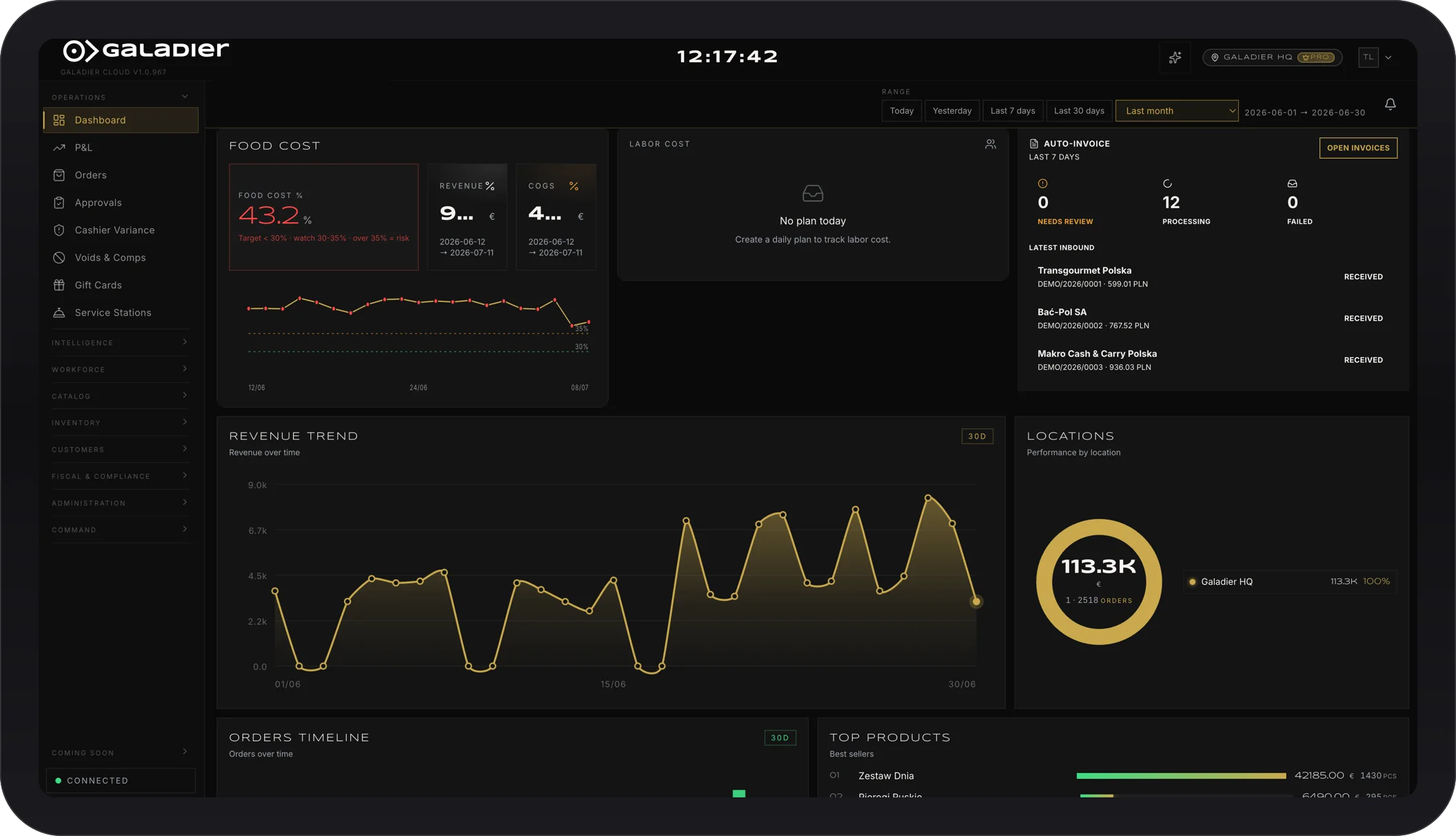
A proper end of day close has three parts: count cash and card per shift and compare them with sales, run the Z report, and check that every sale is recorded where your tax filing needs it. Do it in the same order every night and differences get found the same day, so the month closes without surprises.
The close usually happens at the end of a long shift, in a hurry. That is why it needs a fixed checklist, not memory.
Before you close: settle every table
- No open tables, no orders without payment.
- Voids and refunds done on the till, with a reason, not “we’ll fix it tomorrow”.
- Comps and discounts rung up as comps and discounts.
Step 1: Count the drawer per shift
Count cash separately from card, per till and per shift, not just at the end of the day. When two shifts share one drawer, a difference cannot be explained.
- Cash: what is in the drawer minus the opening float.
- Card: the total from the card terminal, compared with card payments on the till.
- Tips: kept separate, so they never mix with takings.
Step 2: Compare with sales
The gap between what you counted and what should be there is the shift’s variance. Small variances happen. What matters is that they get explained. If you keep seeing the same gap, read what causes cash register shortfalls.
Step 3: Run the Z report
The Z report totals the day’s sales by tax rate and payment method. Before you run it:
- Make sure there are no open transactions.
- Check the card total on the Z matches the card terminal.
- File the Z together with the shift counts, digitally or in a daily folder.
Step 4: Check your sales records are complete
Whatever your tax filing relies on, receipts, invoices or electronic records, check that the day’s records are complete and match the Z. Checking the same day is easy. Checking at month end means digging through hundreds of receipts. See what breaks in manual tax filing.
Step 5: Keep a short log
Two lines a day are enough: total sales, cash variance and its cause if known, anything outstanding. At month end, the month-end close almost does itself.
Nightly checklist
| Check | Done |
|---|---|
| All tables settled | ☐ |
| Voids and discounts with a reason | ☐ |
| Cash counted per shift | ☐ |
| Card total matches the terminal | ☐ |
| Tips kept separate | ☐ |
| Z report run | ☐ |
| Sales records complete for tax filing | ☐ |
How Galadier helps
With Galadier the day closes itself and your tax filing is handled automatically, so nobody stays late waiting on reports. You see every shift’s takings with cash and card separate, and you find out about a difference the same day. See all features and pricing, or talk to us.