
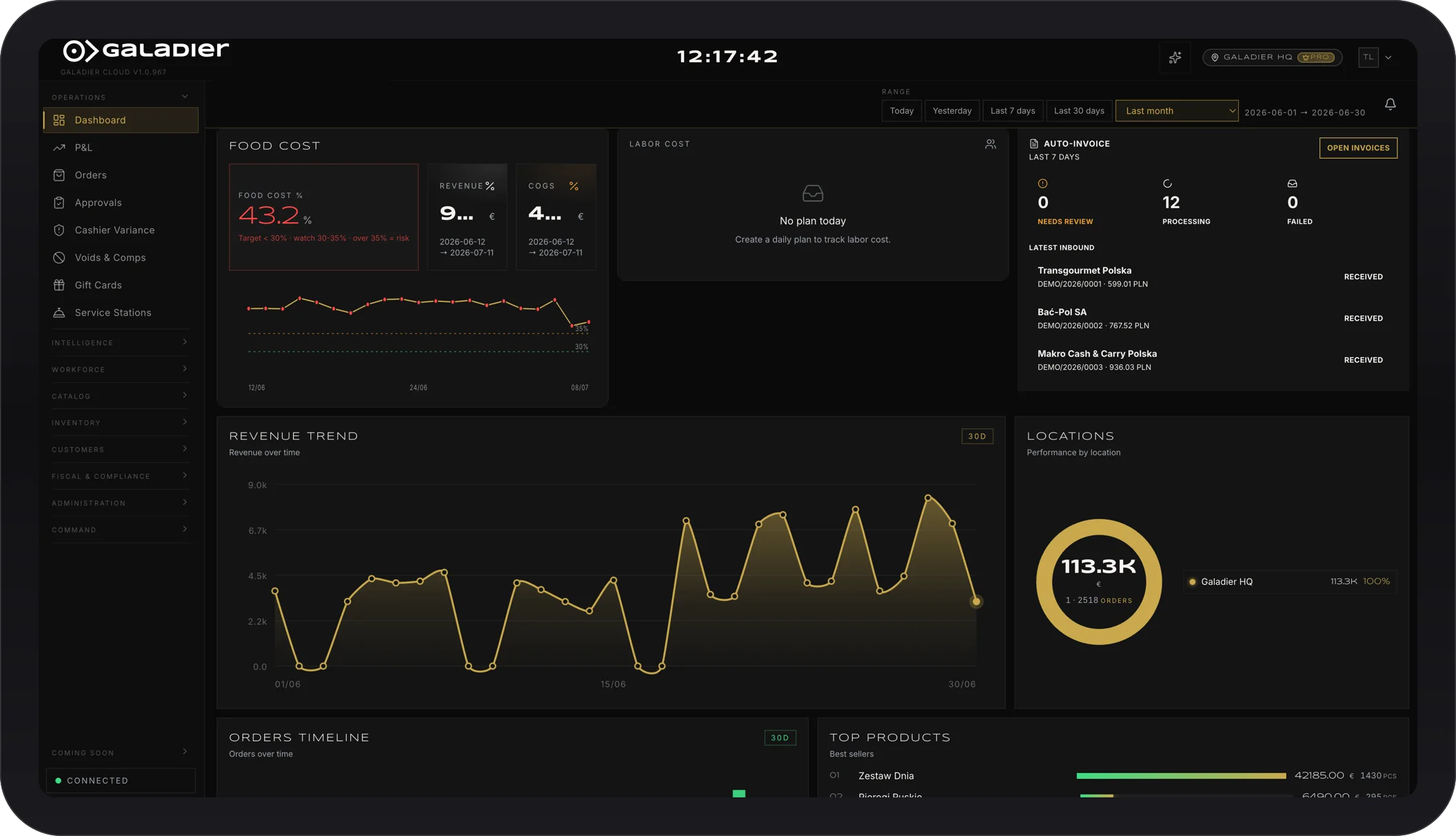
To manage delivery from several apps in one place, every order has to land in one kitchen queue, sell from one shared menu and close in one report. If today you have a tablet per app and someone re-typing orders, start with those three things.
The cost of running several apps is not only the commission (we break that down here). It is also the time, the mistakes and the complaints that come from every channel living on its own screen.
The usual problems
- A row of tablets on the counter, each with its own alert sound, and someone who has to watch them all.
- Re-typing orders into the till or the kitchen, with mistakes in notes and extras.
- Different prices and menus per app, and nobody sure which one was updated.
- Dishes that have run out but keep selling on one of the apps.
- Wrong delivery times, because the kitchen cannot see the total load across channels.
- A painful close, with every app producing its own report.
Step 1: One queue for the kitchen
Every order, from the dining room, the phone, your own website and every app, should reach the kitchen in the same format and in priority order. The kitchen does not need to know where an order came from to cook it. It needs to know when it has to be ready.
Step 2: One menu, one availability
Keep one central menu and map each app’s items to it. You can still price differently by channel if you want, but from one place where you change dishes, prices and availability.
Step 3: Delivery times based on real load
The time you promise a customer should take into account how many orders are already in the kitchen from every channel. A flat “30 minutes” on a Friday night is a promise you will not keep.
Step 4: Organise your drivers
If you run your own drivers, group orders heading the same way and send them together when they are ready, so food arrives hot and you run fewer trips.
Step 5: One close for every channel
At the end of the day you want one picture: sales by channel, commissions, promotions, cancellations. You see which app is worth it, and your accountant gets one number instead of five reports.
Step 6: Compare channels every month
For each app, look at: net revenue after commission, average order value, cancellations and complaints. With those numbers you decide where to spend on promotion and where to nudge customers to order direct.
How Galadier helps
With Galadier, your phone and own delivery orders arrive on one screen alongside the dining room, go straight to the kitchen with nothing re-typed, and close in the same till. Deliveries are grouped into sensible routes and customers get a delivery time you actually keep. See all features and pricing, or talk to us about the channels you use.